Move from shared hosting to a VPS when your application needs software, configuration or resources that the shared environment cannot provide—and someone can administer the server. An unmanaged VPS gives you control of the guest operating system. It also makes you responsible for maintaining that system and the applications running inside it.
Growth alone is not a reason to migrate. Start with a specific limitation, evidence of its impact and an operating plan.
What is shared hosting? WordPress, TYPO3 and Joomla hosting explained
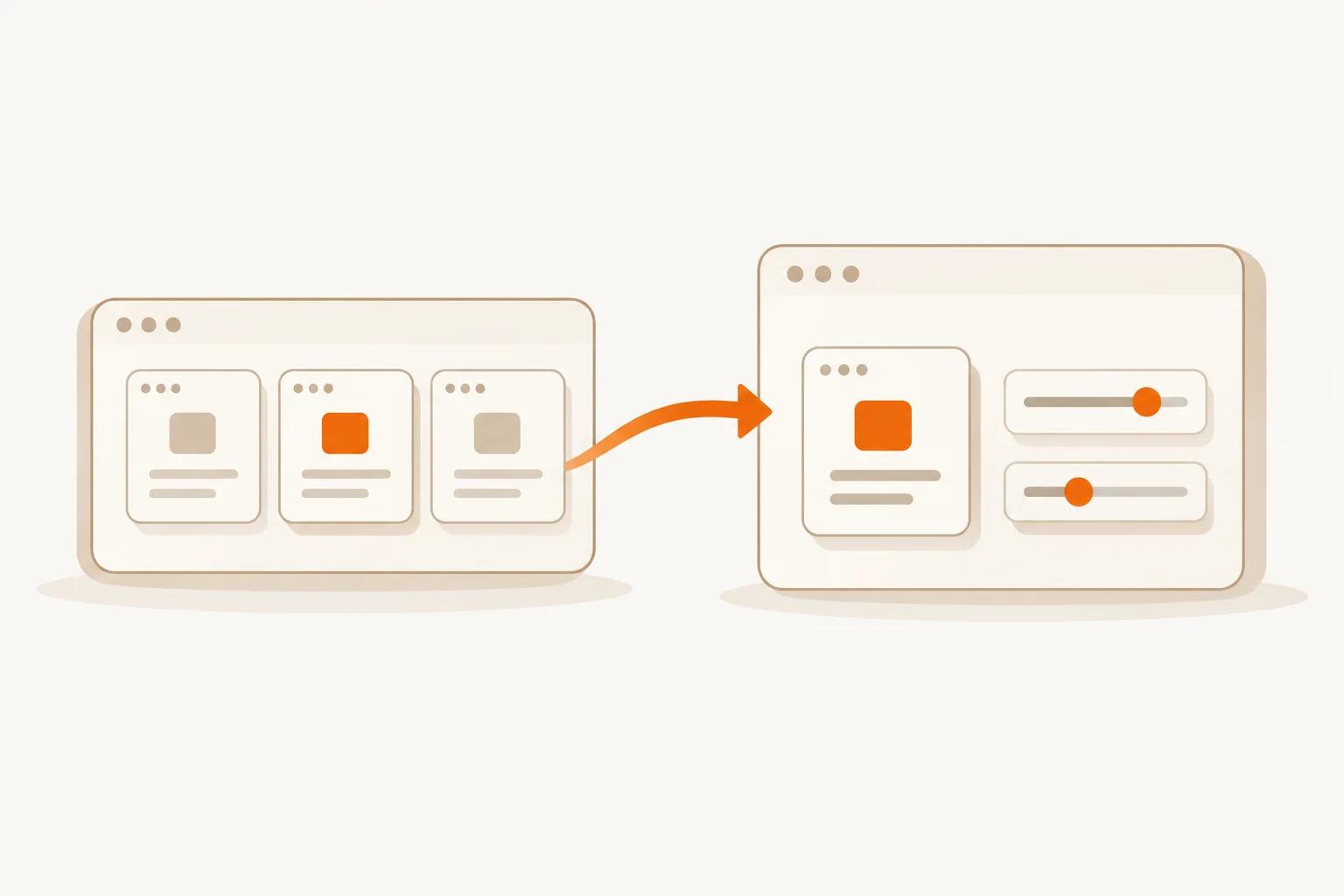
Shared hosting means multiple customer accounts use a provider-operated hosting platform and share its server resources. You manage your website within an account, usually without administering the server’s operating system.
Packages may be labelled web hosting, website hosting, WordPress hosting, TYPO3 hosting or Joomla hosting. A CMS-specific label describes the application supported, not necessarily the infrastructure: WordPress can run on shared hosting or a VPS. Check the package, not just its name.
A traditional managed web-hosting package commonly provides:
- Web server and PHP: serve pages and run compatible website applications.
- Database service: usually MySQL or MariaDB for CMS content and settings.
- File access: FTP, FTPS, SFTP or a browser file manager, depending on the package; prefer an encrypted option.
- Email, often included: mailboxes accessed through IMAP or POP3, outgoing mail through SMTP, and sometimes webmail. Email may instead be a separate service.
The provider maintains the included server services. You manage the website’s content, users and configuration. Do not assume “fully managed” also covers CMS, plugin, extension and theme updates, compatibility testing or restoring your website: check who owns each task. WordPress’s hosting guidance treats updates and backups as additional features a provider may offer.
An unmanaged VPS is a different operating model: you install and maintain the web stack or arrange someone to do it. A ready-made website control panel and email service are not automatic inclusions. You can move the website while keeping email separately hosted.
A quick decision check
- Stay on shared hosting if your website runs reliably, the available software meets its needs and you value having the hosting environment maintained for you.
- Investigate and optimise first if the only symptom is a slow website. Check caching, oversized images, plugins, database queries and external services before changing infrastructure.
- Consider a VPS if a confirmed restriction prevents the work you need to do, and you or an appointed administrator can own security, maintenance and recovery.
Shared hosting and an unmanaged VPS compared
Shared hosting packages differ, so check your current provider’s actual limits and service scope. The comparison below describes common arrangements, rather than promises about every shared hosting product.
| Area | Shared hosting | Unmanaged VPS |
|---|---|---|
| Software flexibility | Choose from the provider’s supported software and versions. | Install compatible software within the guest OS and service limits. |
| Root access | Usually unavailable; access is restricted to your account. | Administrative access to your virtual server’s operating system. |
| Resource constraints | Account quotas and process limits set by the provider. | Plan allocations plus limits imposed by your software and the platform. |
| Administration | Provider maintains the hosting platform; you maintain your website. | You administer the guest OS, services and applications. |
| Security updates | Provider handles platform updates; application updates still need an owner. | You plan and apply guest OS and application updates. |
| Backups | Inclusion, retention and restore options depend on the package. | Arrange and test your own backup and recovery process. |
| Total operating cost | Subscription plus any extras and application maintenance. | Server, administration time, backups, monitoring and any software licences. |
A VPS is a virtual machine, not a dedicated physical server. A vCPU allocation should not be read as an exclusively reserved physical CPU core. See how EDIS Global’s KVM VPS platform works when comparing the underlying service.
Signs that a VPS could solve a real problem
You need software the shared platform does not offer
A runtime, system package, Docker or database extension may be unavailable on your account. Ask whether the host supports it. A VPS makes sense when you need to install and configure a compatible stack yourself.
You need processes that keep running
Shared environments may restrict background workers, queues, persistent services or scheduled jobs. On a VPS you configure them, supervise failures and prevent runaway processes from exhausting memory.
A measured resource limit keeps interrupting work
Investigate repeated memory errors, process limits or CPU pressure using logs and workload measurements. Optimise first, then test a representative workload on the proposed VPS. A larger server does not automatically fix a slow query.
Your deployments need more control
Custom web-server settings, reproducible deployments and staging can justify a VPS. Document dependencies and configuration. Staging on the same VPS still shares resources and failure risks; it is not independent recovery infrastructure.
When staying on shared hosting makes sense
If standard website features are enough and response times are acceptable, migration may add work without solving a problem. Check whether a configuration change or a different shared package addresses the actual limitation more simply.
An unmanaged VPS is also a poor fit if nobody can maintain it. A control panel helps with some tasks, but it does not take responsibility for updates, incidents or restores. Budget for a competent administrator or choose a service whose management agreement covers the work you need.
More control means ongoing administration
EDIS Global manages the underlying infrastructure. You manage the VPS guest operating system and applications. Its documented support scope includes infrastructure assistance and troubleshooting guidance; it does not include logging into your server to install software or perform the migration.
Before moving, assign an owner for OS and application updates, administrative access, firewall rules, TLS certificates and renewal checks. Decide who receives monitoring alerts and what they should do when a service is unavailable. Keep configuration notes and a recovery procedure accessible outside the VPS.
Backups need a separate plan. Do not assume automatic backups or instant snapshots are included. Keep recoverable copies outside the server, protect access to them and test restoration. The EDIS Global backup documentation explains the current service boundaries. The unmanaged VPS responsibilities guide covers the division of work in more detail.
Size the VPS around measurements
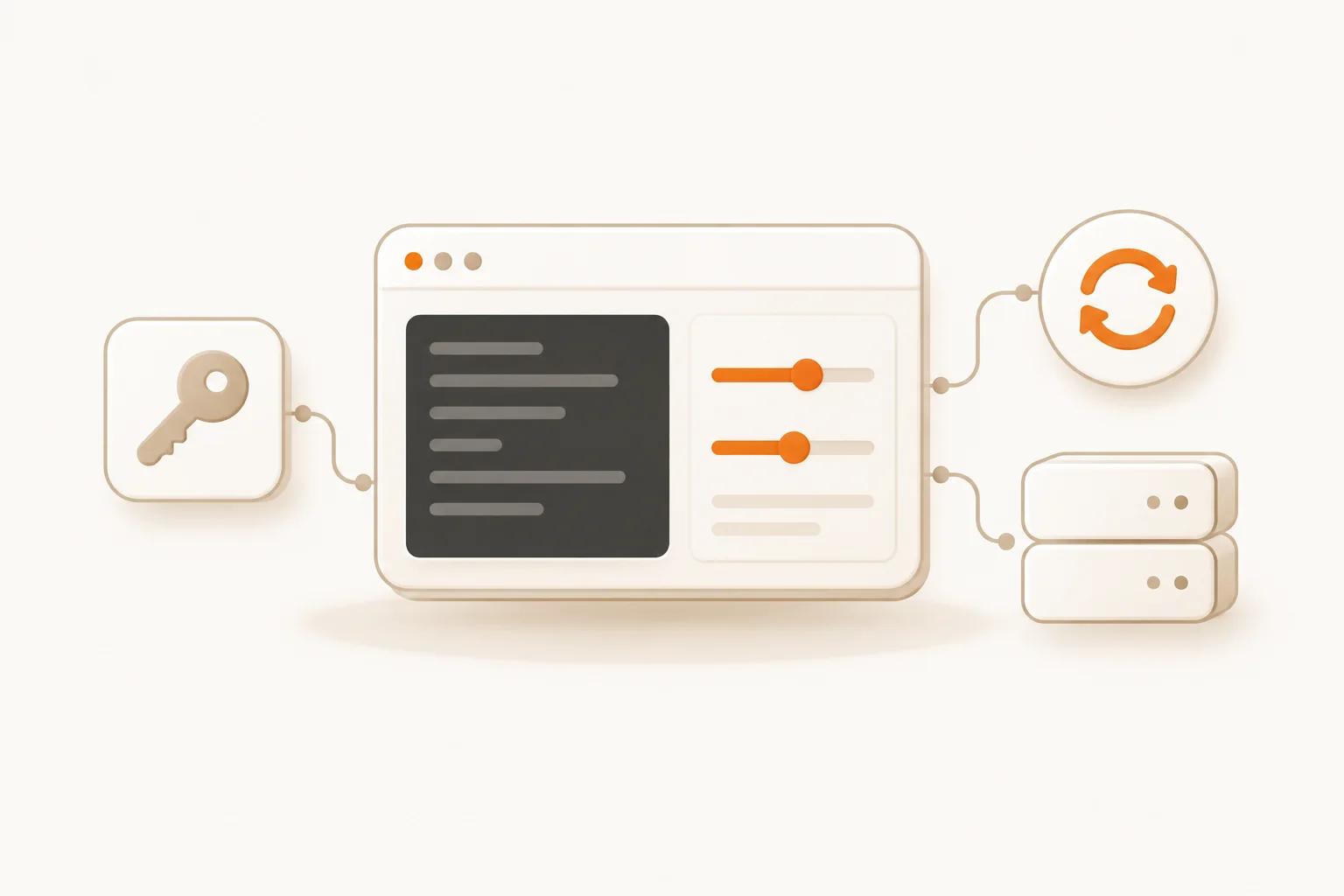
Measure your current workload over normal periods and busy periods. Include scheduled jobs, imports and backups, which may consume more resources than ordinary page requests. If the shared host does not expose useful metrics, collect application-level timings and logs, then benchmark a realistic copy before committing.
- CPU: examine sustained load and short peaks, including compression, report generation and concurrent workers.
- RAM: add the needs of the OS, application, database and simultaneous processes. Leave headroom for deployment tasks and spikes.
- Storage: allow for live data, database growth, logs, temporary files and backup staging. A backup stored only on the same disk is not an independent recovery copy.
- Traffic: estimate transfers in both directions, including downloads, replication and off-server backups. Compare the relevant allowance separately from host uplink speed.
There is no reliable visitor-count-to-RAM formula. A cached static page and a database-heavy application can have very different requirements at the same visitor count. Use the 2 GB VPS and 4 GB VPS pages to compare current base configurations after estimating your needs, not as traffic-capacity guarantees. Paid upgrades add to base resources and cost extra; check the selected plan and checkout totals.
Plan the migration before changing DNS
- Inventory dependencies and email. List runtimes, extensions, databases, scheduled jobs, file permissions, DNS records and mailboxes. Decide where email will stay; moving the website does not require moving mail hosting.
- Back up and test a restore. Save files, database exports and configuration. Verify that the backup can rebuild the application before relying on it.
- Prepare and secure the VPS. Choose a compatible OS, configure access and firewall rules, apply updates and establish monitoring and backups. Use the getting-started documentation for the platform’s access and management workflow.
- Test the application and TLS. Check authentication, forms, uploads, jobs, outbound email and certificate renewal. Use a staging hostname or local hosts-file override without exposing private test data.
- Coordinate DNS and the final data sync. Plan a maintenance window if writes must stop. Allow for DNS caching, synchronise recent changes and avoid accepting conflicting writes on both copies.
- Keep a rollback path. Retain the old environment until the new one is verified. Define rollback triggers and how to preserve data written after the switch before reverting traffic.
A successful migration means the application works, its data is consistent and someone can recover it—not merely that the new homepage loads.
Frequently asked questions
No. Performance depends on the application, configuration and available resources. Diagnose the bottleneck and test the proposed environment. More resources will not automatically correct inefficient queries, oversized images or slow third-party services.
Start with measured memory use, the software stack and the number of concurrent processes. Include operating-system overhead and headroom. There is no single RAM size or visitor threshold that makes a VPS the right choice.
Yes, if your existing email service remains available independently. Preserve the necessary mail-related DNS records and verify sending and receiving after the website move. Check package dependencies before cancelling the old hosting account.
You need the skills to operate the server or someone assigned to that role. If nobody can own updates, monitoring, security and recovery, arrange administration before moving a production website to an unmanaged VPS.
Choose the environment your application needs, then compare resources. Explore Linux VPS plans to review OS choices, or use the VPS hosting overview to choose a location and plan. Keep the migration decision tied to a requirement you can verify.